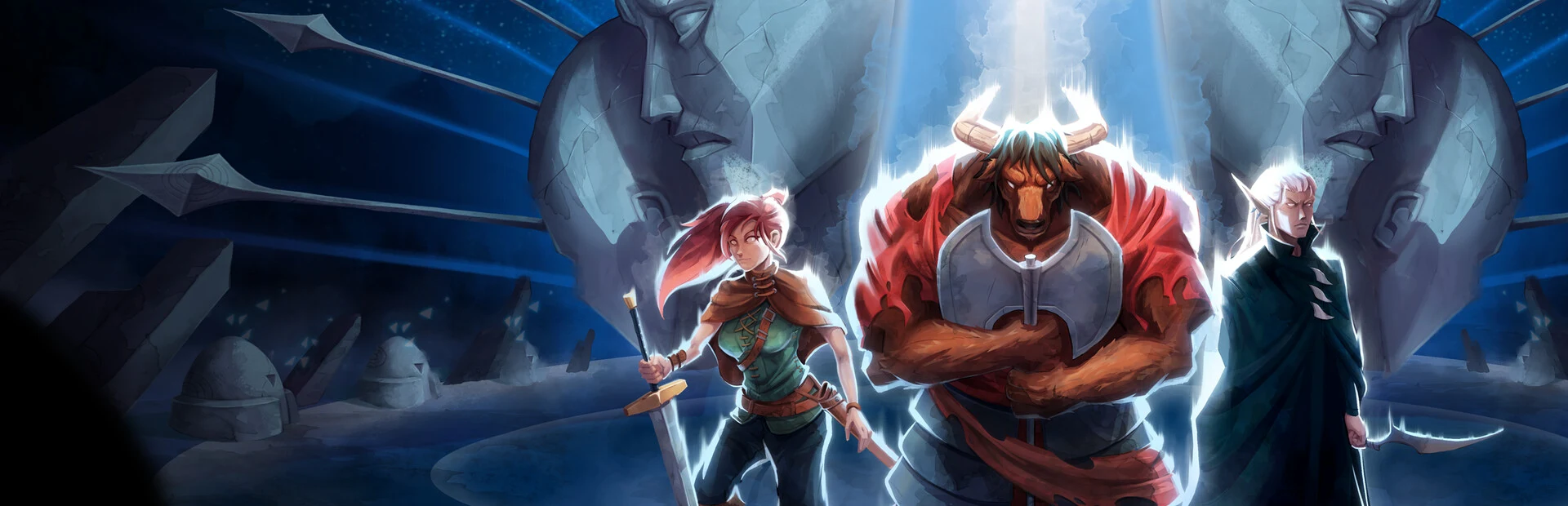
- Dimraeth download: Use the official Steam store page rather than unofficial file-hosting websites.
- Access date: Early Access is planned for September 15, 2026.
- Game format: Dimraeth is a pixel-art fantasy RPG for solo play or up to eight-player co-op.
- Before installing: Confirm your Steam account, storage space, and multiplayer setup.
- Safety rule: Avoid third-party installers, repacks, cracks, and files claiming to unlock unreleased content.
Dimraeth Download Status and Official Access
Dimraeth download access is planned through Steam, with Early Access scheduled for September 15, 2026. The game is a handcrafted pixel-art fantasy RPG developed by Mudtek, supporting solo play and cooperative groups of up to eight players.
Before the Early Access launch window, players should treat download availability carefully. A store page, trailer, or community post does not automatically mean that the full playable build is available. The safest approach is to use the official Dimraeth Steam store page and check whether a purchase, installation, demo, or play button is currently displayed.
Do not install Dimraeth from torrent pages, file lockers, repack websites, cracked launchers, or unknown executable files. These sources are not confirmed distribution channels and may expose your account or computer to security risks.
| Access Item | Current Guidance | Recommended Action |
|---|---|---|
| Official store | Steam page for Dimraeth | Add it to your wishlist and monitor the page |
| Early Access | Planned for September 15, 2026 | Check the store page after the release window begins |
| Direct download | No confirmed standalone installer | Use Steam if the game becomes available |
| Console version | Not confirmed in the available information | Do not download console packages from third-party sites |
| Demo access | Not confirmed as a current public download | Trust only an official announcement |
The official Dimraeth website is also useful for checking announcements, project information, and links to the game’s community channels. Steam remains the primary access point identified for the PC release.
The expected release format is not a separate launcher or browser download. Players should prepare to install the title through the Steam client, where the game page, purchase status, updates, and installation files can be managed together.
How to Download Dimraeth on PC
The Steam installation process should be straightforward once Dimraeth is available for the account and region being used. Follow the steps below instead of searching for a separate “free download” package.
Install and Sign In to Steam
Download the official Steam client from Steam’s own website, install it on your PC, and sign in to the account that will own Dimraeth. Enable account security features before making a purchase or downloading new software.
Open the Official Dimraeth Store Page
Search for Dimraeth inside Steam or open the official store listing directly. Confirm that the title, developer, artwork, and store URL match the official listing before continuing.
Check the Availability Button
Review the button shown on the store page. Depending on the current release state, it may offer a purchase option, an installation option, a demo, or a wishlist option. Do not assume that a missing install button indicates a problem with your account.
Choose the Installation Drive
Select Install when the game is available, then choose a Steam library with enough free space. An SSD is generally preferable for faster loading, although the final hardware requirements should be checked on the official store listing.
Launch and Update the Game
Allow Steam to finish downloading and verifying the files. Start Dimraeth from your library, then install any available patch before joining a multiplayer world or beginning a longer character session.
| Installation Stage | What to Check | Why It Matters |
|---|---|---|
| Account setup | Correct Steam account and secure login | Prevents ownership and access confusion |
| Store verification | Official title and developer listing | Reduces the chance of downloading an unrelated file |
| Library selection | Sufficient free storage | Prevents interrupted installation |
| File download | Steam progress and verification | Confirms the client completed the installation |
| First launch | Updates, settings, and connection | Helps avoid multiplayer or startup problems |
Install Dimraeth in a dedicated Steam library on a drive with comfortable free space. Keeping room for patches is useful because Early Access builds can change as new systems and content are added.
A Steam installation also makes future updates easier to manage. Instead of repeatedly searching for new installers, players can use Steam’s update system to receive official patches and validate local files when necessary.
PC Preparation Before Installation
Dimraeth combines action combat, character progression, crafting, exploration, and settlement development. A stable setup is especially helpful for cooperative sessions, where connection problems or missing updates can affect the entire group.
The final system requirements should be verified on the official Steam page when they are published or updated. Until then, prepare the general parts of your setup without inventing hardware targets that have not been confirmed.
Steam Account
Confirm that the correct account is signed in, payment details are ready if required, and Steam Guard or another account-protection method is active.
Storage Space
Reserve room for the initial installation, temporary download files, future patches, and other Steam client operations.
Network Connection
Use a stable connection for the initial download and multiplayer sessions. Wired networking can help reduce connection instability.
Graphics Settings
Update your graphics drivers and begin with conservative visual settings if you are unsure how the game will perform on your hardware.
| Preparation Area | Recommended Check | Status Before Playing |
|---|---|---|
| Operating system | Confirm the supported Steam platform listed by the developer | Required |
| Graphics driver | Install a current driver from the hardware manufacturer | Strongly recommended |
| Storage | Keep additional room beyond the initial download size | Required |
| Audio and controls | Test your headset, speakers, keyboard, and controller | Recommended |
| Firewall access | Allow Steam and the game through trusted network permissions | Useful for co-op |
| Background apps | Close unnecessary launchers and heavy downloads | Useful for stability |
Early Access games can receive balance changes, new features, fixes, and content updates. Recheck the current Steam description and patch notes whenever installation behavior or system requirements change.
For a first session, avoid changing too many settings at once. Launch the game, confirm that the display resolution and input devices work correctly, then adjust graphics quality gradually. This makes it easier to identify which setting affects performance.
Players planning to join a group should also coordinate their game version. A host and joining players may need matching updates before they can enter the same world.
What to Expect After the Dimraeth Download
Dimraeth is designed around a flexible fantasy RPG progression loop. Players can create characters using a combination of races, classes, Archetypes, attributes, equipment, and combat choices. The game also includes exploration, elemental combat, crafting, and stronghold development.
| Gameplay System | First Priority | Practical Starting Advice |
|---|---|---|
| Character creation | Choose a clear role | Start with melee, magic, defense, damage, or support |
| Combat | Learn defensive timing | Practice dodging, blocking, parrying, and stamina control |
| Progression | Focus attribute points | Support the weapons, spells, or abilities you actually use |
| Equipment | Replace weak gear | Compare role suitability instead of rarity alone |
| Crafting | Build core facilities | Prioritize useful production before decorative expansion |
| Stronghold | Establish a stable base | Organize storage and centralize important facilities |
| Co-op | Coordinate party roles | Mix frontline, damage, ranged, magic, and support options |
A new player should avoid spreading early progression across too many unrelated systems. A focused character is easier to understand, equip, and improve. Once the basic combat loop becomes familiar, experimentation with hybrid builds becomes more manageable.
For solo play, prioritize survivability and reliable damage. In co-op, divide responsibilities so every player does not compete for the same role. A group with a frontline character, offensive damage, ranged or spell pressure, and support utility can respond to more encounters than a party built around one repeated approach.
Create a focused character, practice against normal enemies, collect dependable equipment, complete nearby objectives, and establish the basic foundation of a shared or personal base.
The game’s planned eight-player support also makes preparation important. Before starting a long multiplayer campaign, decide who will host the world, where shared resources will be stored, and whether the group wants specialized or flexible characters.
Dimraeth Download Checklist and Troubleshooting
Use this checklist when preparing for the official Steam release or when installing a new build during Early Access.
Before Starting the Download:
- Open the official Dimraeth Steam store page
- Confirm the correct Steam account is signed in
- Check available storage space and the intended Steam library
- Update Steam and your graphics driver
- Review the current release status and system requirements
| Problem | Likely Cause | First Fix |
|---|---|---|
| No Install button | Release is not active for your account or region | Check the store page and release status |
| Download pauses | Network, disk, or Steam client issue | Restart Steam and check the download region |
| Installation fails | Insufficient space or corrupted local data | Free storage and retry the Steam installation |
| Game will not launch | Driver, overlay, or file issue | Update drivers and verify files through Steam |
| Co-op cannot connect | Version or network mismatch | Update every player and review firewall permissions |
If Steam reports a file problem, use the client’s file verification function before deleting the entire installation. This can repair damaged or incomplete files while preserving the rest of the download.
If the game does not appear in the library after purchase, confirm that the transaction completed on the same Steam account. Avoid buying another copy immediately. Review the account’s purchase history or contact Steam Support if ownership still cannot be confirmed.
For multiplayer problems, have every player update the game before troubleshooting connection settings. A version mismatch can create symptoms that look like a network failure.
Cracked or modified builds can contain malware, fail to connect to official services, and create account or save-data problems. They are not a safe substitute for the official Steam installation.
The official Dimraeth Discord can be used for developer announcements, bug reports, and community discussion. Use it alongside the Steam community rather than relying on anonymous download links.
Dimraeth Download FAQ
Check the official Steam listing first, especially around the planned September 15, 2026 Early Access date. Availability, requirements, and installation details can change during development.
Q: Where should I download Dimraeth?
Use the official Steam store page for Dimraeth. No separate standalone installer or third-party download source is confirmed for the planned PC release.
Q: When is Dimraeth expected to become available?
Dimraeth is planned to enter Steam Early Access on September 15, 2026. Check the official store page for the current availability button and any release changes.
Q: Is Dimraeth free to download?
The available information does not confirm a free-to-play model. Check the Steam listing for the current purchase, demo, or access details instead of trusting unofficial claims.
Q: Can I download Dimraeth before Early Access?
Only use a download option displayed through an official channel. A trailer, wishlist listing, or community post does not by itself confirm that a playable build is available.